
Sales teams work inside Salesforce, while developers, engineers, and IT specialists often manage projects and incidents in Jira. When these systems remain isolated, enterprise companies face workflow delays, duplicated tasks, and communication bottlenecks.
A reliable integration between Salesforce and Jira creates a centralized ecosystem where teams collaborate more efficiently, customer issues move faster, and business operations become more transparent.
Why Enterprise Businesses Need Integrated Workflows
Enterprise organizations manage thousands of customer interactions, support tickets, internal tasks, and development requests every day. Without synchronization between platforms, employees spend significant time manually transferring information between systems.
Disconnected workflows often lead to:
- Delayed issue resolution
- Inconsistent customer communication
- Missing technical updates
- Duplicate records
- Reduced operational efficiency
A properly configured salesforce jira connector eliminates these problems by automating communication between CRM and project management environments.
Unified Communication Across Departments
One of the main challenges for enterprise companies is maintaining smooth collaboration between customer-facing teams and technical departments. Sales representatives, account managers, customer support agents, and developers all rely on different workflows and priorities.
Salesforce Jira integration helps bridge this gap by allowing teams to share information automatically in real time. Support agents can create Jira tasks directly from Salesforce cases, while developers receive all necessary details without manual input.
At the same time, Jira updates automatically appear inside Salesforce, giving customer-facing teams immediate visibility into issue progress.
Faster Issue Resolution for Enterprise Support Teams
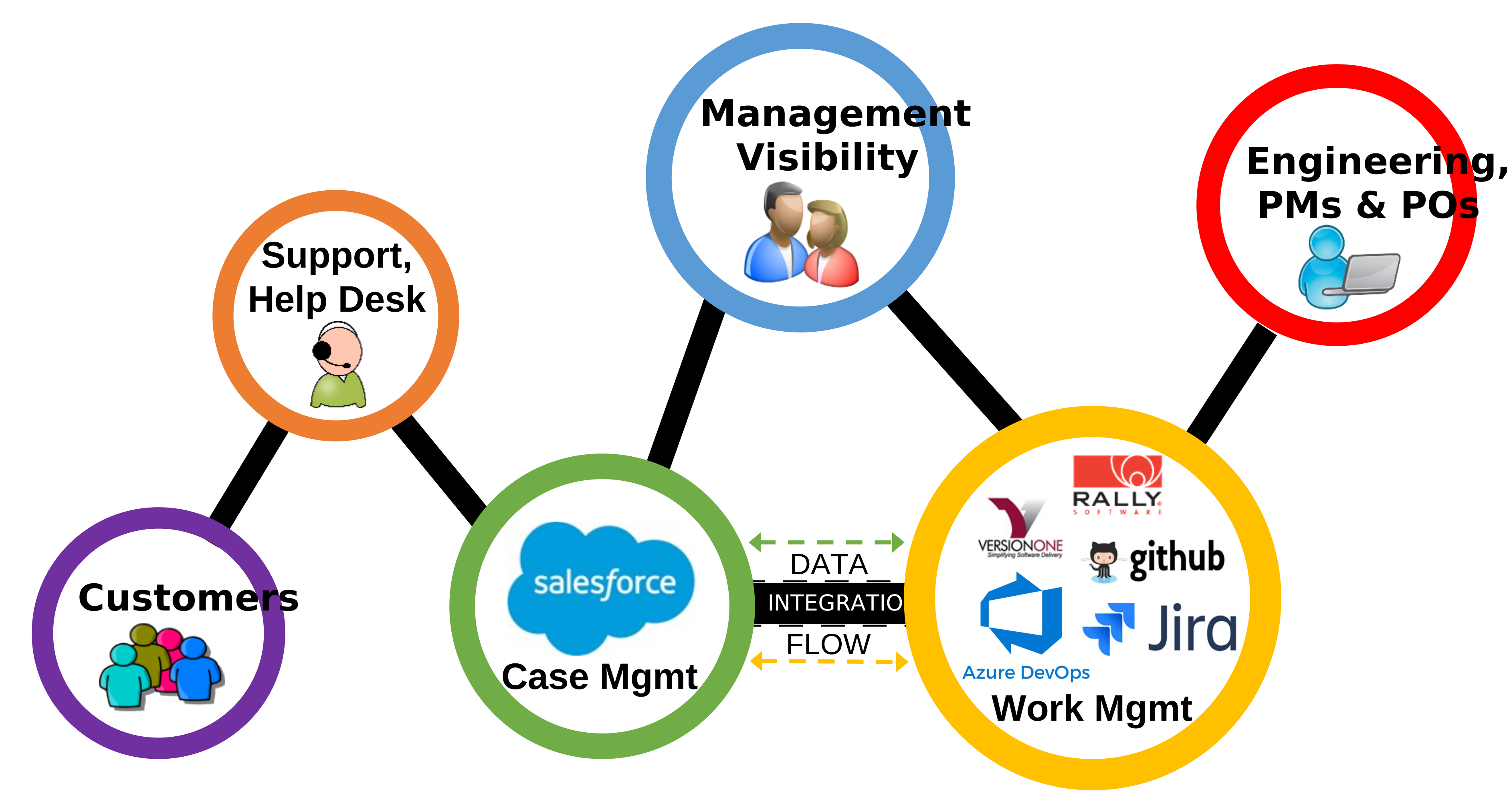
Speed plays a critical role in enterprise customer support. Large organizations often work with strict service-level agreements and high customer expectations. Delays caused by disconnected systems can negatively impact both customer satisfaction and business reputation.
Integrated Salesforce and Jira workflows allow enterprises to respond faster because technical teams receive requests instantly. Automated ticket synchronization ensures that all important information, attachments, comments, and status changes stay updated across both platforms.
Reducing Manual Processes
Manual workflows create unnecessary risks for large companies. Employees may accidentally enter incorrect information, forget to update records, or duplicate tickets across systems.
Automation helps enterprises reduce these operational inefficiencies. A modern salesforce jira connector can synchronize:
- Issue statuses
- Comments and notes
- Attachments
- Priorities
- Custom fields
- Workflow actions
By minimizing human intervention, companies improve data consistency while reducing administrative overhead.
Improved Visibility for Enterprise Management
Enterprise leaders require complete visibility into support operations, technical issues, and project progress. When teams work in isolated platforms, management often struggles to generate accurate reports or identify workflow bottlenecks.
Salesforce Jira integration creates a connected environment where managers can monitor tasks, customer cases, and development activities from a centralized perspective.
This improved transparency helps organizations:
- Track issue resolution times
- Monitor SLA compliance
- Analyze team productivity
- Identify recurring technical problems
- Improve resource allocation
Real-time reporting also allows enterprises to make faster strategic decisions based on accurate operational data.
Scalability for Growing Organizations
As enterprise companies expand, the complexity of internal workflows increases significantly. More teams, departments, and customers create larger volumes of information that must move efficiently between systems.
A scalable integration between Salesforce and Jira supports this growth by automating repetitive processes and maintaining structured communication.
Whether an organization manages international support teams, enterprise software projects, or large customer databases, synchronized workflows improve operational stability and reduce workflow fragmentation.
Enhanced Customer Experience Through Automation
Enterprise customers expect quick responses and consistent communication. When support agents lack visibility into technical progress, customers often receive incomplete or delayed updates.
Integrated systems help customer service teams stay informed at every stage of issue resolution. Salesforce users can view Jira activity directly inside their CRM interface, allowing them to provide accurate information without switching between platforms.
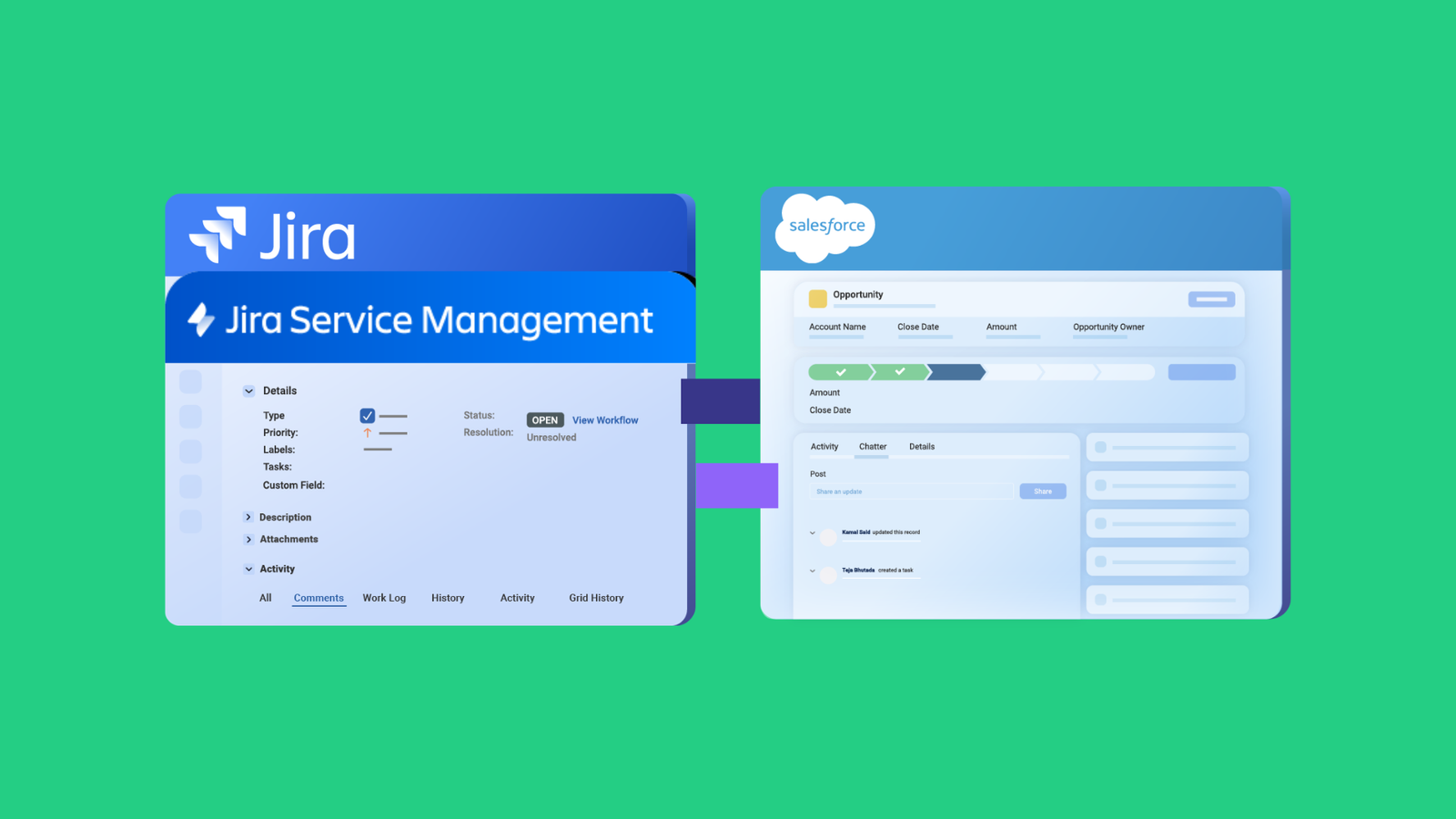
This seamless communication creates a more professional customer experience and strengthens long-term client relationships.
Security and Data Accuracy in Enterprise Environments
Data security is a major concern for enterprise organizations. Manual data transfers between systems increase the risk of information leaks, inconsistencies, and compliance issues.
Automated integration reduces these risks by creating secure synchronization rules between Salesforce and Jira. Enterprises can configure permissions, field mappings, and workflow restrictions based on their internal security policies.
Consistent data synchronization also improves reporting accuracy and ensures that all departments work with the same information.
Supporting Agile Enterprise Operations
Modern enterprises increasingly rely on agile methodologies to accelerate product development and improve responsiveness. Salesforce Jira integration supports agile operations by connecting customer feedback directly with development processes.
When support cases automatically become Jira tasks, development teams can prioritize work based on real customer impact. This creates faster feedback loops and improves collaboration between business and technical departments.
Agile enterprises benefit from:
- Faster sprint planning
- Better prioritization of customer issues
- Improved communication between teams
- More accurate workflow tracking
- Greater operational flexibility
Integrated systems allow organizations to adapt quickly to changing customer demands while maintaining efficient internal coordination.
Streamlined Enterprise Collaboration
Cross-functional collaboration becomes easier when all departments operate within connected workflows. Sales teams can monitor technical progress, developers gain customer context, and support agents receive instant updates from Jira projects.
This shared visibility improves accountability and eliminates many of the communication gaps that commonly affect large organizations.
Enterprise companies using Salesforce and Jira integration solutions can create a more connected digital infrastructure that supports long-term growth, operational efficiency, and faster issue resolution across the entire organization.