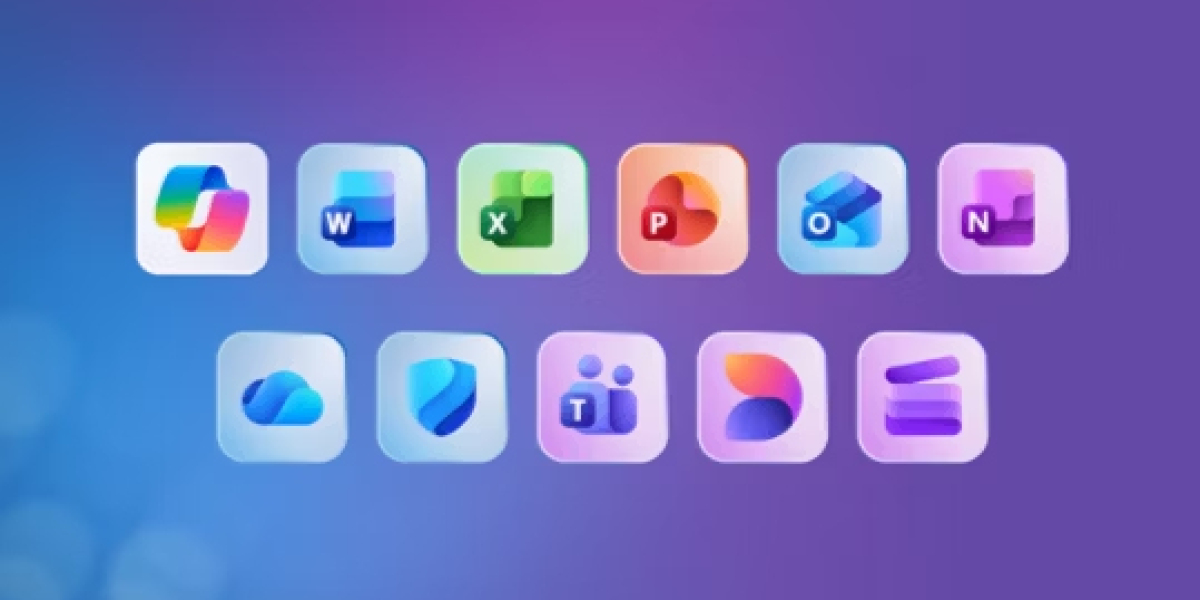

Microsoft 365 has introduced AI-powered Copilot features across its suite, offering advanced assistance in Word, Excel, PowerPoint, and Outlook. While appealing to some users, this upgrade comes with a significant price increase. For many households and individuals who primarily need core Office applications, Copilot may be unnecessary. Fortunately, Microsoft offers Classic plans that allow users to retain essential apps without paying for AI.
The Australian Competition & Consumer Commission recently highlighted that some subscribers were misled into thinking they had no choice but to accept the Copilot integration at higher rates or cancel their subscription. In fact, Microsoft 365 Personal and Family Classic plans were available as a lower-cost alternative. These plans are not heavily advertised and are only revealed during the cancellation flow, making them easy to overlook for users who were unaware.
Downgrading to a Classic plan is simple. From the Services & Subscriptions page, locate your current Microsoft 365 plan and select Cancel subscription. Microsoft may present a retention offer, allowing you to switch to Microsoft 365 Personal Classic or Family Classic. The Classic version removes Copilot’s AI features but retains core Office apps, cloud storage, and essential productivity tools. This ensures continuity for daily tasks while lowering subscription costs.
The trade-off is minimal for most users. While Copilot provides AI-assisted drafting, data insights, and automated slide creation, many households, students, and professionals rarely require these features. Choosing Classic plans can result in significant savings, particularly for families using multiple accounts. By opting out of the AI premium, users maintain access to Microsoft Office apps while avoiding unnecessary costs.
For those seeking additional flexibility, Microsoft Office Keys provide a one-time purchase option. Users can obtain full access to Word, Excel, PowerPoint, and other Office apps without committing to recurring subscriptions. This is a cost-effective alternative for users who want control over their software expenses while keeping all essential tools available.
Before making the switch, review your subscription renewal dates and disable auto-renewal to prevent accidental charges at higher rates. Ensure that all users on a Family plan retain access to apps and cloud storage. Taking screenshots of confirmation pages can also help track the downgrade and confirm the new billing plan.
Microsoft 365 Classic plans highlight an important option for users who prioritize affordability and essential Office functionality. While AI features are exciting, many consumers benefit from a no-Copilot approach that maintains core apps and reduces subscription costs. By exploring downgrade options or Buy Microsoft Software License Code, users can continue using Microsoft 365 effectively, without paying for features they don’t need.